Squint
Squint is a free, open-source Mac app that makes images smaller. Right-click a photo in Finder, pick what you want done, and the file is replaced or a copy appears beside it. It reads JPEG, PNG, HEIC, AVIF, WebP, SVG, TIFF, GIF and PDF.
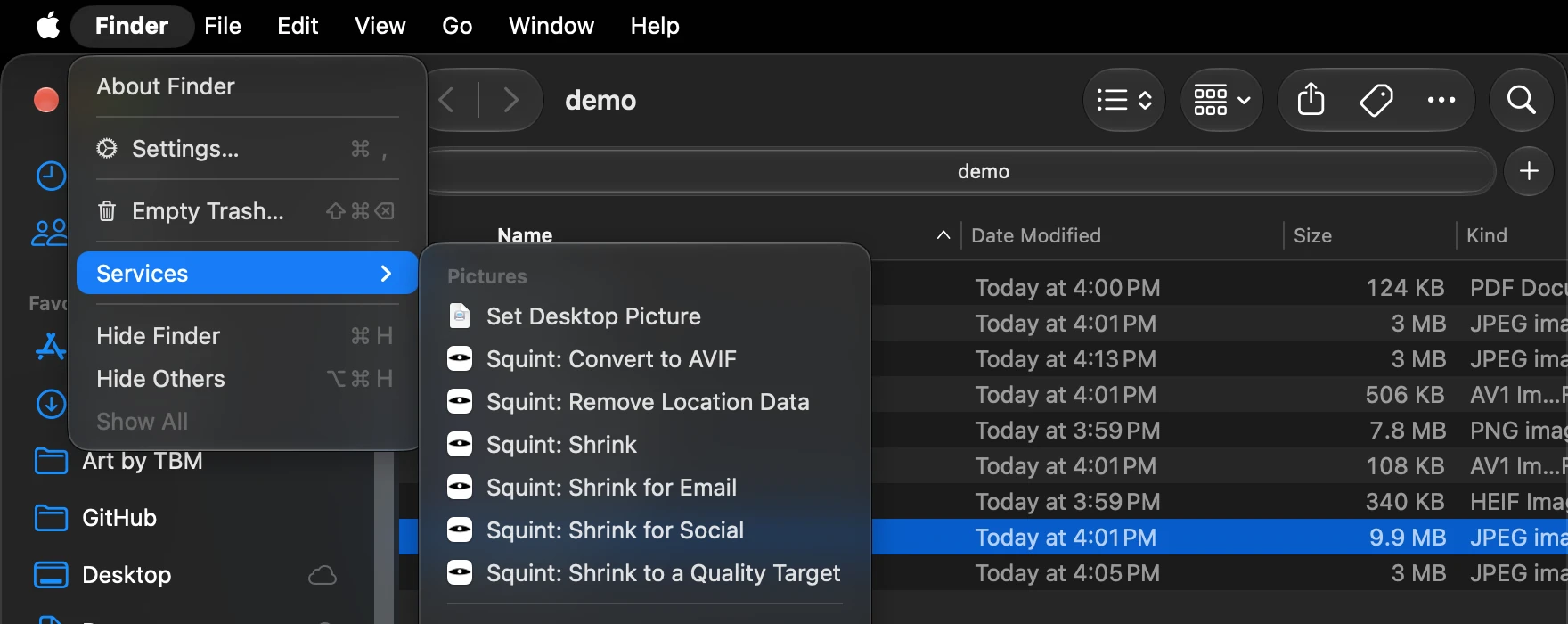
The right-click menu has six entries:
- Shrink makes the file smaller and replaces it.
- Shrink for Email writes a 2048-pixel copy beside the original, small enough to attach about thirty to one email.
- Shrink for Social writes a 1440-pixel copy for posting.
- Shrink to a Quality Target finds the smallest file that still looks the same to the eye, and replaces it.
- Convert to AVIF writes an AVIF copy beside the original.
- Remove Location Data takes out the GPS position, the camera and the date, and leaves the picture untouched.
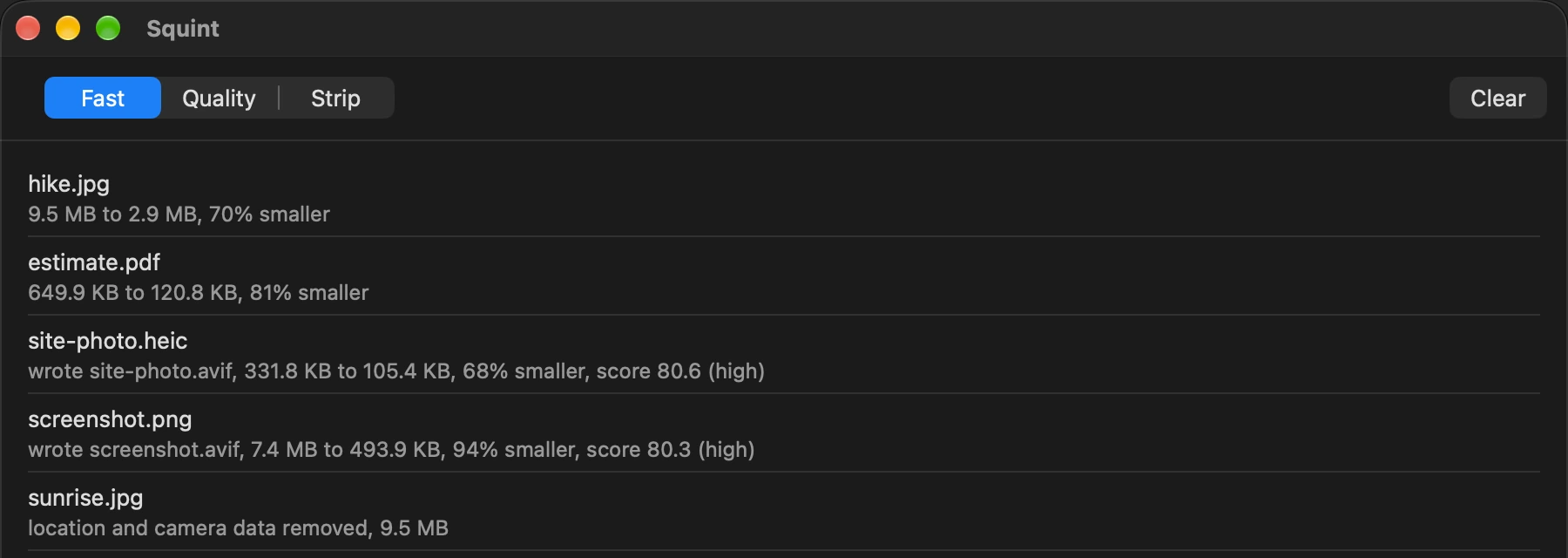
Dropping files on the Squint window does the same six things.
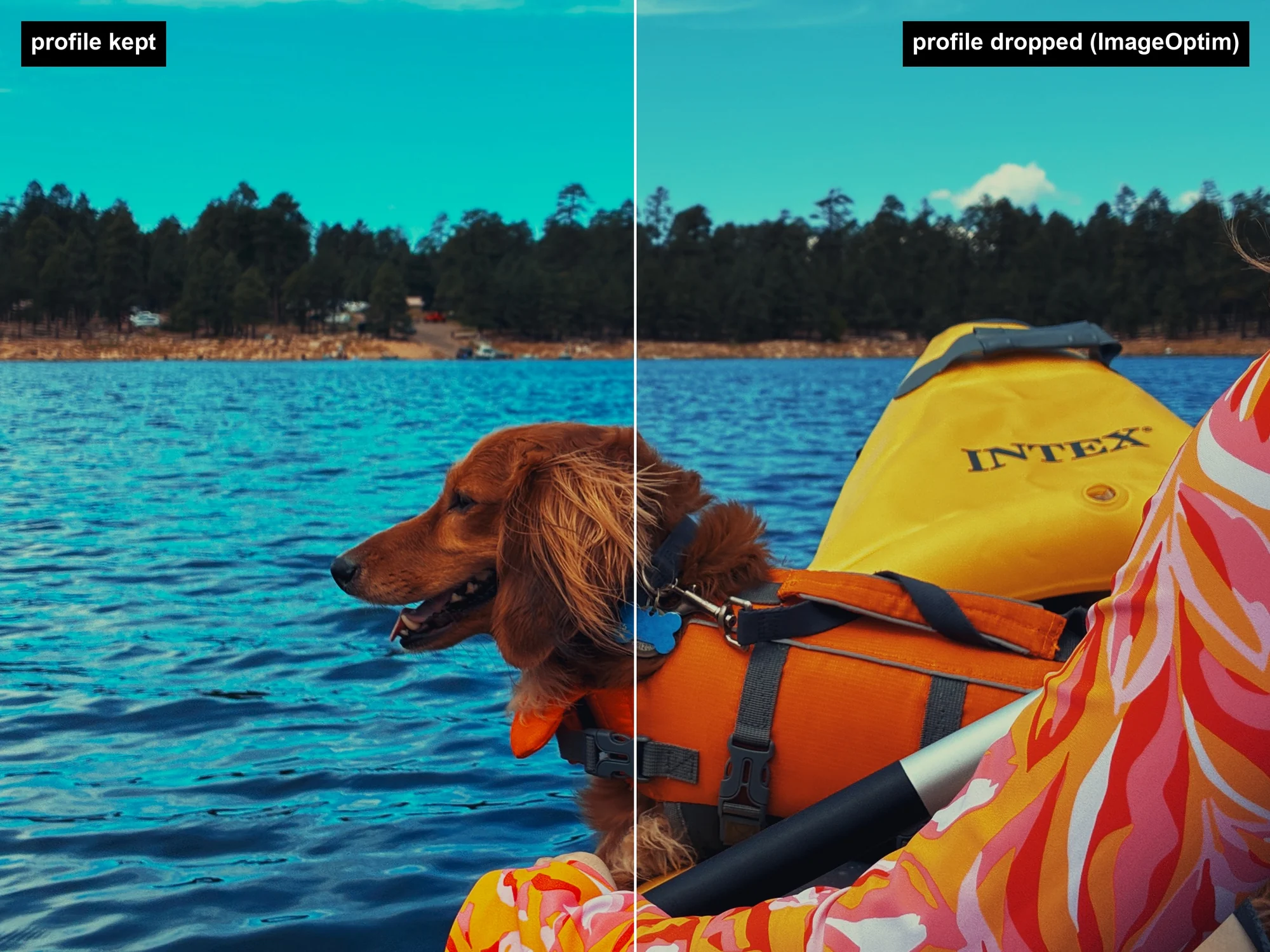
Two things set it apart from other optimizers. It keeps the color profile. iPhone photos are shot in Display P3, a wider range of color than most images use, and an optimizer that strips the profile makes them look washed out; ImageOptim does exactly that when it strips metadata. The photo at the top of this post is one picture split down the middle, with the profile kept on the left and dropped on the right. Location and camera data still go.
It also picks the quality for each image instead of using one setting for all of them. It scores every attempt against the original with a perceptual metric (SSIMULACRA2) and keeps the smallest file that still meets the target, so a flat screenshot and a noisy photo end up at different settings. It never writes a file bigger than the one it started with.
0.9.0
The version that went out today keeps the HDR in iPhone photos. A recent iPhone photo carries a second, hidden image (a gain map) that tells an HDR screen how much brighter to show each part of the picture. Until now Shrink dropped it: the photo still opened, but looked flat on the screen it was taken for. Shrink and Shrink to a Quality Target now keep it. macOS only reads a gain map next to a picture its own encoder wrote, so those photos come out about 30% bigger than they would without it. The email and social copies still leave it out, since they are made to be sent, and the original beside them keeps it.
Measured on one iPhone photo: ImageOptim wrote 400,965 bytes with no color profile and no HDR. Squint 0.9.0 wrote 735,751 bytes, scored a little higher on SSIMULACRA2 (79.14 against 76.95), and kept both.
0.9.0 also adds the six entries to the window's picker.
Apple silicon, macOS 14 or later, signed and notarized, and it updates itself. The engine is Rust and the app is SwiftUI, GPL-3. Download, brew install mdws-org/tap/squint, or read the source. Bug reports go to the GitHub issues.